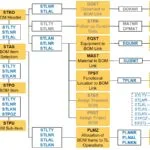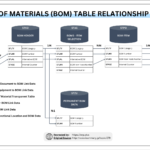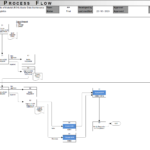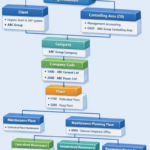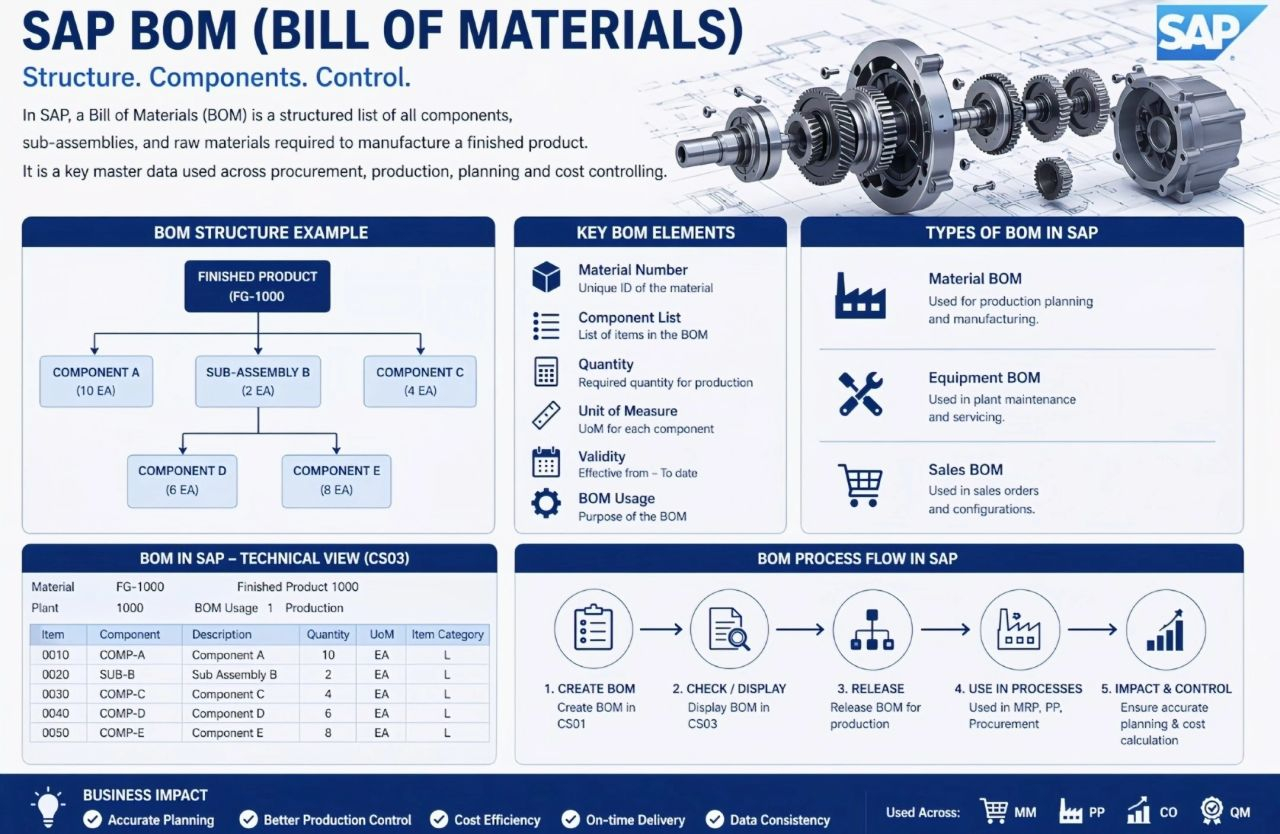
This visual presents an end-to-end overview of the SAP Bill of Materials (BOM) concept, combining structure, master data elements, BOM types, and the overall BOM lifecycle in SAP. It explains how a BOM represents a structured list of components, sub-assemblies, and raw materials required to manufacture a finished product, and how this information is used across planning, production, and cost control. From this visual, the reader can understand how BOM data is organized, created, and consumed within SAP.
Key Elements in the Visual
BOM Structure Example
The diagram shows a hierarchical BOM structure starting with a finished product at the top. Below it, several components and sub-assemblies are listed with quantities. This tree-style layout illustrates how SAP represents parent-child relationships between the finished product and its individual components, including multi-level assemblies.
Key BOM Elements
A dedicated section lists the core data fields that define a BOM in SAP:
- Material Number, identifying each material uniquely
- Component List, showing all items included in the BOM
- Quantity, defining how much of each component is required
- Unit of Measure, ensuring quantity consistency
- Validity, indicating from-to dates for BOM usage
- BOM Usage, defining the business purpose of the BOM
These elements highlight that a BOM is not just a list of parts, but controlled master data with time and usage relevance.
Types of BOM in SAP
The visual categorizes BOMs into three main types:
- Material BOM, used for production planning and manufacturing
- Equipment BOM, used in plant maintenance and servicing
- Sales BOM, used in sales orders and configurable products
This section emphasizes that BOMs serve different business scenarios depending on their usage.
BOM in SAP – Technical View
A table-style representation shows how a BOM appears in a technical or system-oriented view. It includes columns such as item number, component, description, quantity, unit of measure, and item category. This reflects how BOM data is stored and displayed in SAP for processing and reporting.
BOM Process Flow in SAP
The bottom section illustrates the BOM lifecycle as a sequential process:
- Create BOM, where BOM master data is defined
- Check or Display BOM, ensuring correctness and completeness
- Release BOM, making it available for production use
- Use in Processes, such as MRP, procurement, and manufacturing
- Impact and Control, ensuring accurate planning and cost calculation
This flow shows how BOMs move from creation to operational and controlling impact within the system.
Key Takeaways
The image provides a compact yet comprehensive view of SAP BOMs, covering structure, master data, system representation, usage types, and process flow. It clearly demonstrates that BOMs are foundational objects in SAP, connecting engineering data with planning, execution, and cost control across the enterprise.